Physical Address
304 North Cardinal St.
Dorchester Center, MA 02124
Physical Address
304 North Cardinal St.
Dorchester Center, MA 02124

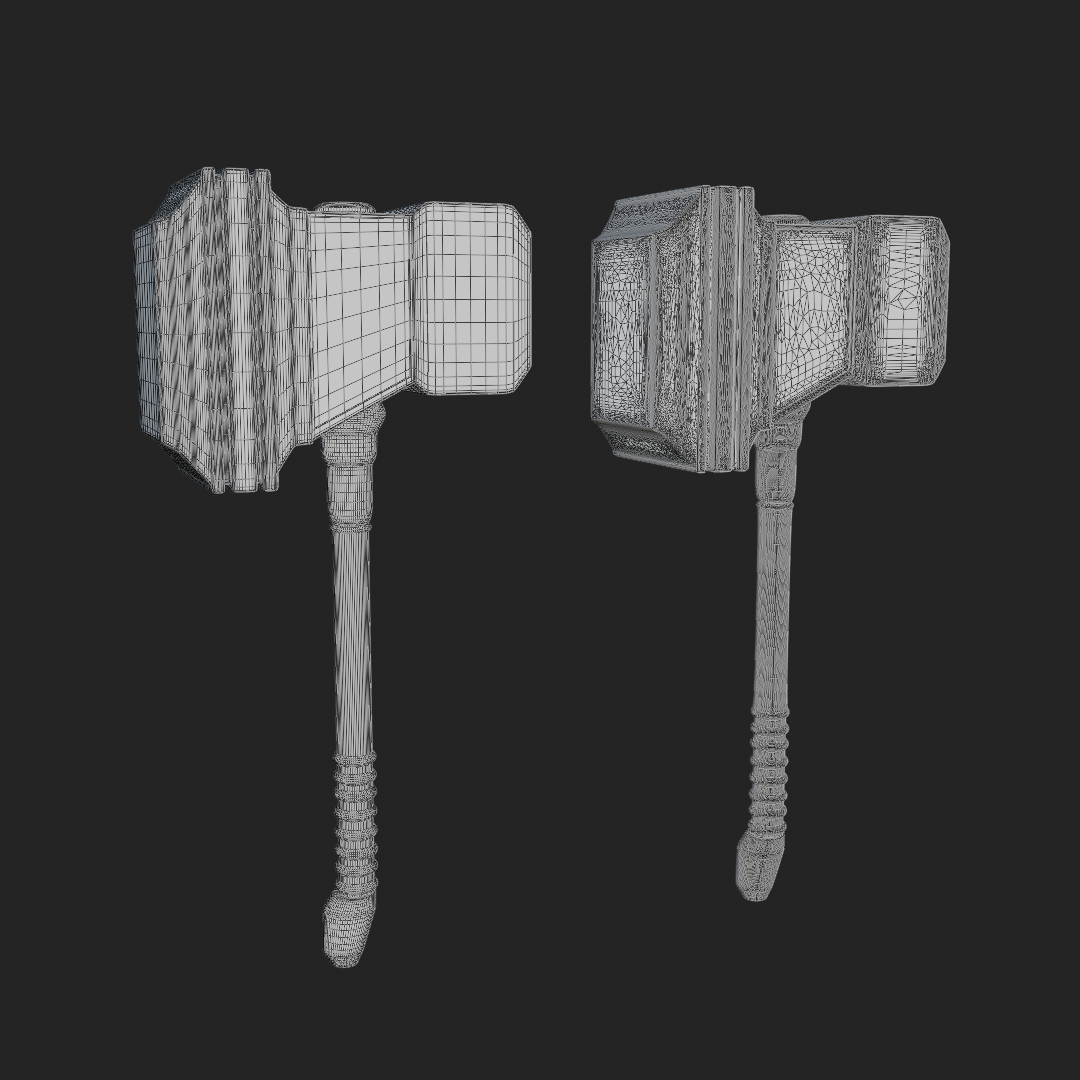
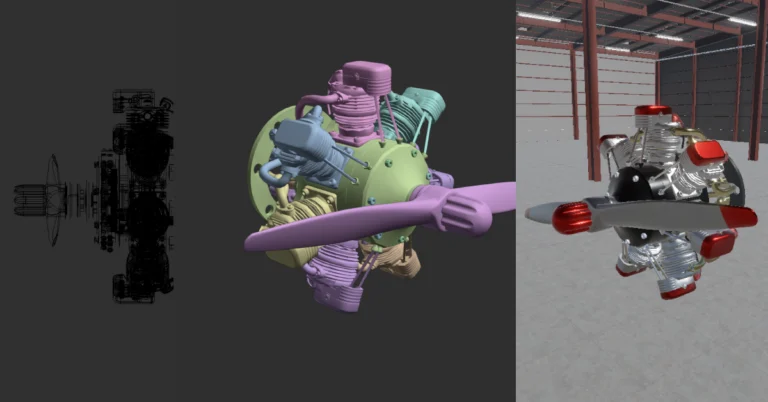
In 3D, nothing kills excitement faster than watching your beautifully detailed model grind an engine to a halt. Whether it’s for games, VR, or just showing something off in real time, you’ll eventually hit the same wall: too many polygons. That’s when you need to decide—do I take the quick and dirty path of mesh decimation, or roll up my sleeves for a proper retopology job?
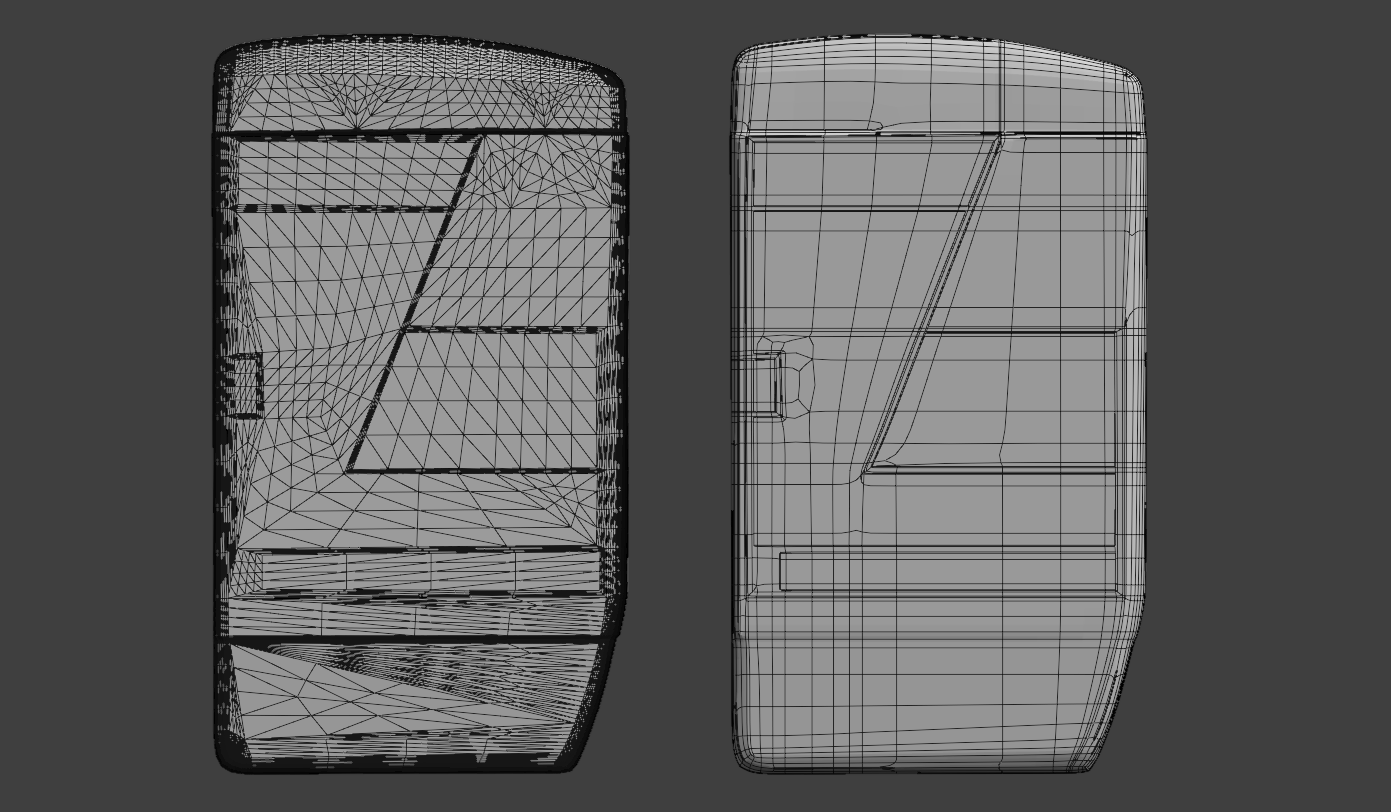
At its core, mesh decimation just means: make a model with fewer vertices, edges, or faces. The aim is simple—reduce polygon count while keeping the shape, volume, and silhouette intact.
Historically, “decimate” meant killing one in ten soldiers. In 3D, it’s far less brutal: we’re just cutting polygons to lighten the load without wrecking the model.
Why the history lesson? Because it fits—the algorithm literally carves out pieces of the mesh, collapsing vertices and edges just enough that you (hopefully) don’t notice.
Fewer polygons = lighter computation = happier game engine.
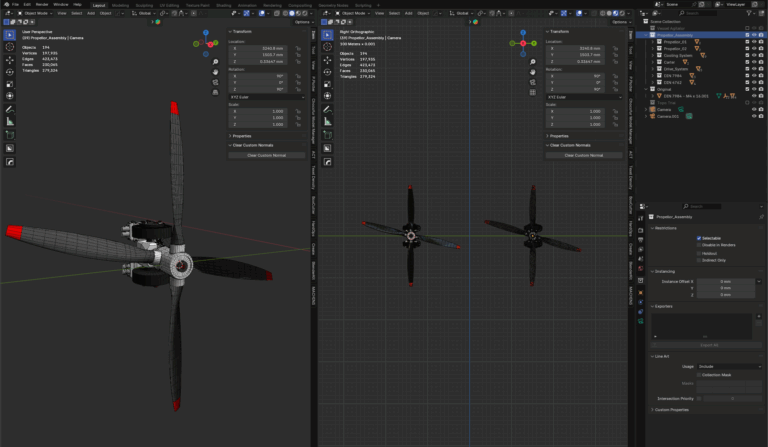
Most 3D software comes with a handy “Decimate” button or modifier. Hit it, and your million-poly scan can shrink to 50k in seconds. Behind the scenes, algorithms like Quadric-Error Metric or David Salinas’ Structure-Aware Decimation are doing the heavy lifting.
But don’t get too comfortable. You’re handing quality control to a black box, and sometimes the results are great—sometimes not. A good decimation tool doesn’t just delete geometry blindly. It respects things like:
The more of these factors an algorithm considers, the more you can trust that magic button.
Just remember: no tool is perfect. Decimation is always a balancing act between performance and fidelity. Use it when you need fast, efficient reduction. But when the job calls for clean, intentional geometry… that’s when Retopology enters the chat.

If mesh decimation is the “quick and dirty” fix, retopology is the careful rebuild. Instead of letting an algorithm chew through polygons, you (or a smart tool) redraw the mesh with a clean, organized topology. Think less about hacking branches off a tree and more about planting a neatly arranged garden.
The goal isn’t just fewer polygons. It’s better ones. Retopology creates quads that flow naturally around the form, with edge loops that follow muscles, joints, or hard surfaces. The result is a mesh that’s predictable, stable, and ready for whatever the pipeline throws at it.
So when do you use it? Retopology shines when:
The upside: geometry that behaves itself across the entire pipeline. The downside: it’s slow, repetitive work (ask any character artist about the hours spent hand-placing quads).
Yes, there are auto-retopology tools like ZBrush’s ZRemesher or Exoside’s Quad Remesher. They’re powerful, but rarely perfect—you’ll almost always need to clean up the results, and the best ones come at a cost.
If decimation is shoving everything under the bed, retopology is the Sunday cleanup: fold the clothes, mop the floor, make the room livable. It takes longer, but the result is something you’ll actually want to keep.
So, you’ve met both sides of the optimization coin: the quick hack and the careful craft. The question is simple: when should you decimate, and when should you retopologise?
Here’s the cheat sheet:
| Decimation | Retopology |
|---|---|
| Speed over control → great for background assets, prototypes, VR/web optimizations | Control over speed → best for hero assets players see up close |
| Works fine if the model won’t be animated or deformed | Essential when animation/rigging is required (edge loops matter) |
| Ideal for scans and high-poly sculpts you just need lighter | Perfect for texture baking, clean UVs, and subdivision |
| Automatic → one-click tools shrink poly counts in seconds | Deliberate → quads are rebuilt for long-term pipeline stability |
| Microwave meal: fast, easy, sometimes messy | Cooking from scratch: slower, but the results are worth it |
👉 Rule of thumb: Decimate for speed. Retopologise for quality.